Add new contact from the request
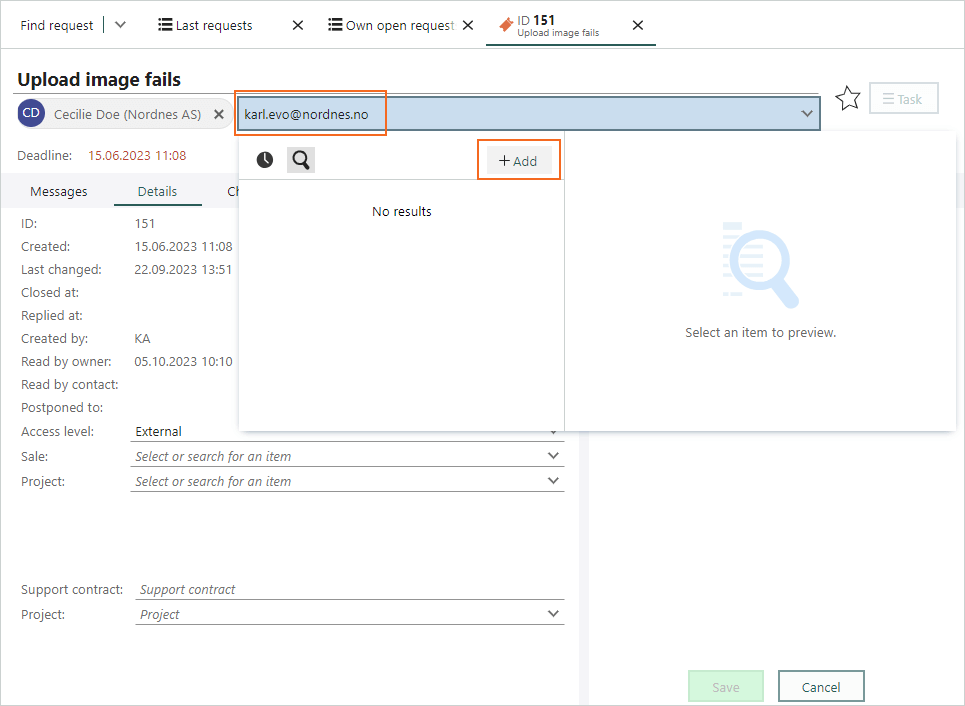
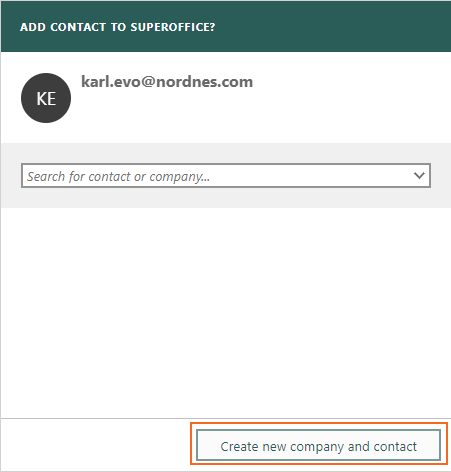
When you are working with a request, you sometimes have to add new contacts and companies to SuperOffice. To be efficient in that task, you can edit your request, and click on the Add button in the field of the new contact. Then you’ll get the dialog Add contact to SuperOffice where you can add company if needed and the new contact.