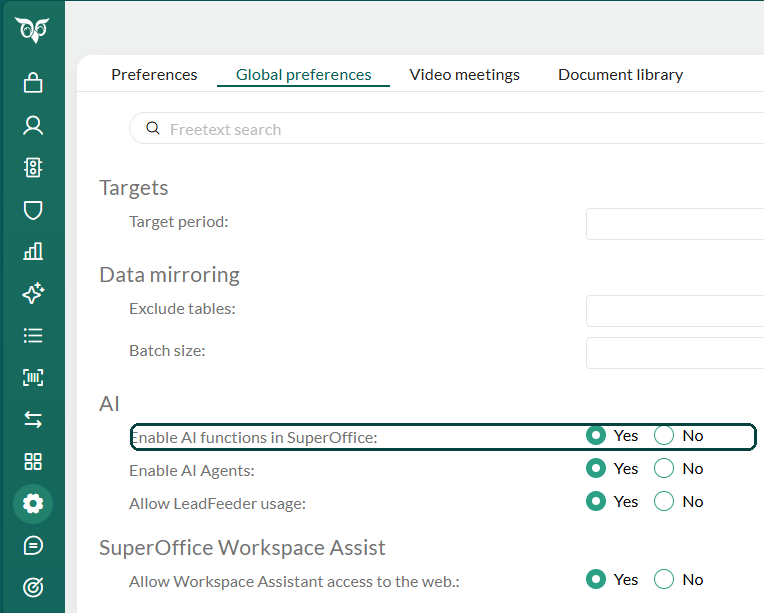
Enable AI functions
- Go to Settings and maintenance > Preferences > Global preferences > AI.
- Set Enable AI functions in SuperOffice to Yes.
- Select Save.
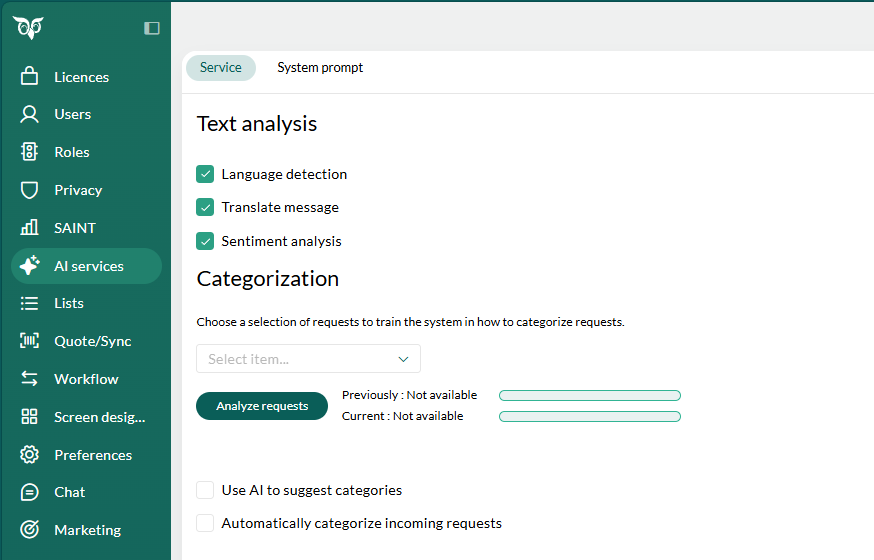
Enable text analysis
- Open Settings and maintenance.
- Select AI services from the Navigator.
-
Under Text analysis, select the checkboxes for the features you want to use: Language detection, Translate message, and Sentiment analysis.