

SuperOffice AI is available in CRM Online only. License requirements are service-specific.
Available services
Request Insight, Summary Assist, and Translation Assist require the SuperOffice AI Platform and a Text Services license, or CRM Suite Core. An administrator must enable text analysis before these features appear. Once enabled, they are visible directly in the request view and do not require any configuration by the end user.Category Insight requires the SuperOffice AI Platform and a Categorization license, or CRM Suite Growth. An administrator must train the model and enable suggestions before request handlers can use suggested categories.
Insight, Assist, and Agent
Newer AI capabilities follow a naming pattern that tells you how each one works:- Insight suggests external data inline while you work, with nothing to open or manage. Company Insight is an insight service.
- Assist uses generative AI to help you create content or decide what to do next, right where you already work. Workspace Assist and Reply Assist are assist services.
- Agent runs in the background on its own schedule and proposes results for a person to approve, in its own dedicated Agents area. Lead Agent, Data Quality Agent, and Duplicate Agent are agent services.
Credits and billing
Some AI actions use AI credits, especially actions performed by agents such as the Data Quality Agent. Credits are deducted when an applicable action is triggered. Your CRM Suite includes a yearly credit allowance that scales with team size, and additional allowances are available to purchase. See the CRM Suite price list for current allowances, action costs, and additional usage prices.Open the Agents area
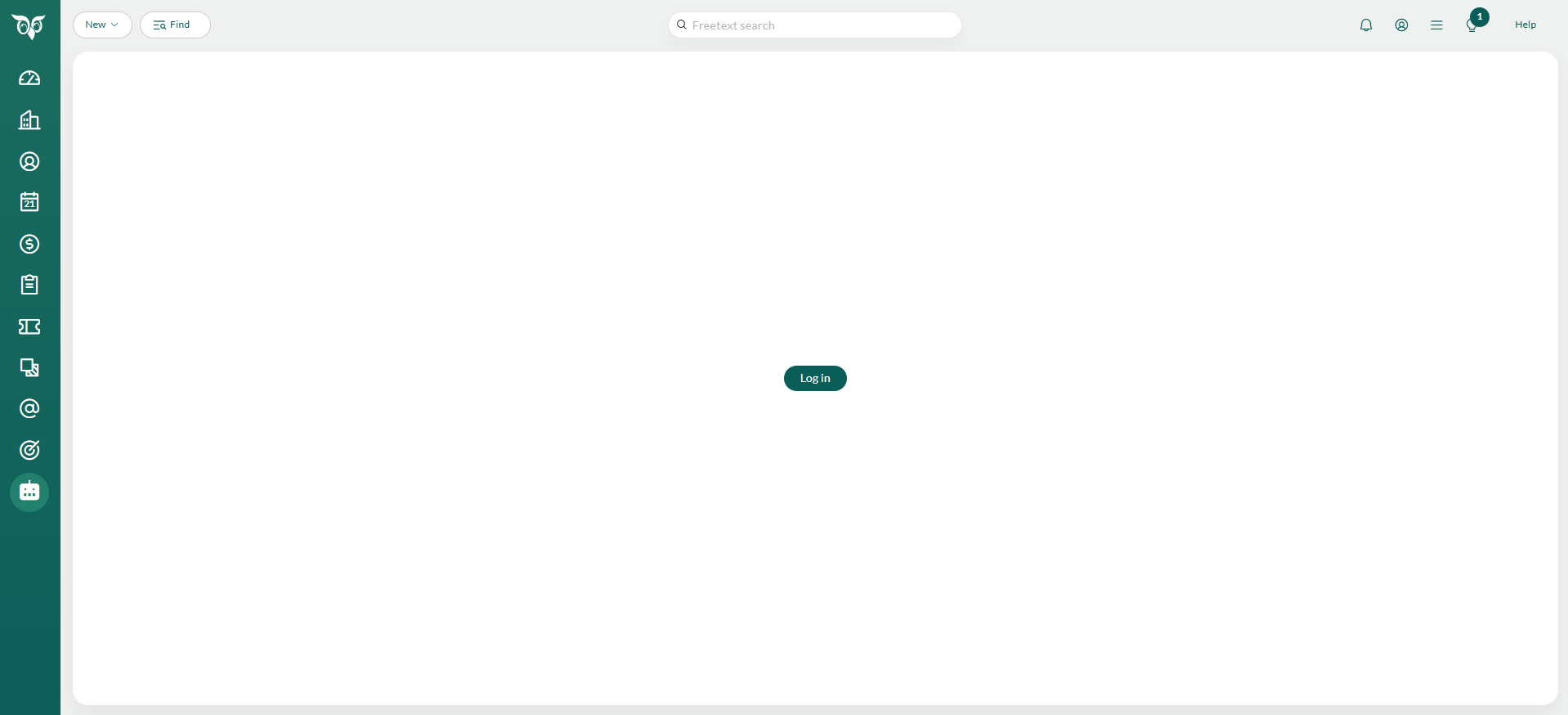
- Select Agents in the Navigator.
-
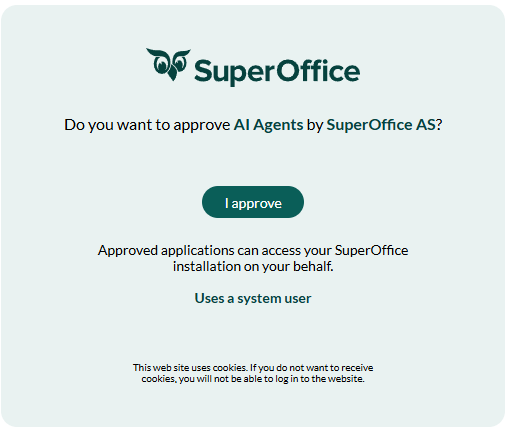
The first time, select Log in and approve access when prompted: select I approve.
- Proceed to choose, activate, and set up your agents.