

Custom objects require the CRM Suite Growth plan or higher. If you have a user-plan based license and want to use custom objects, join the custom objects pilot program.
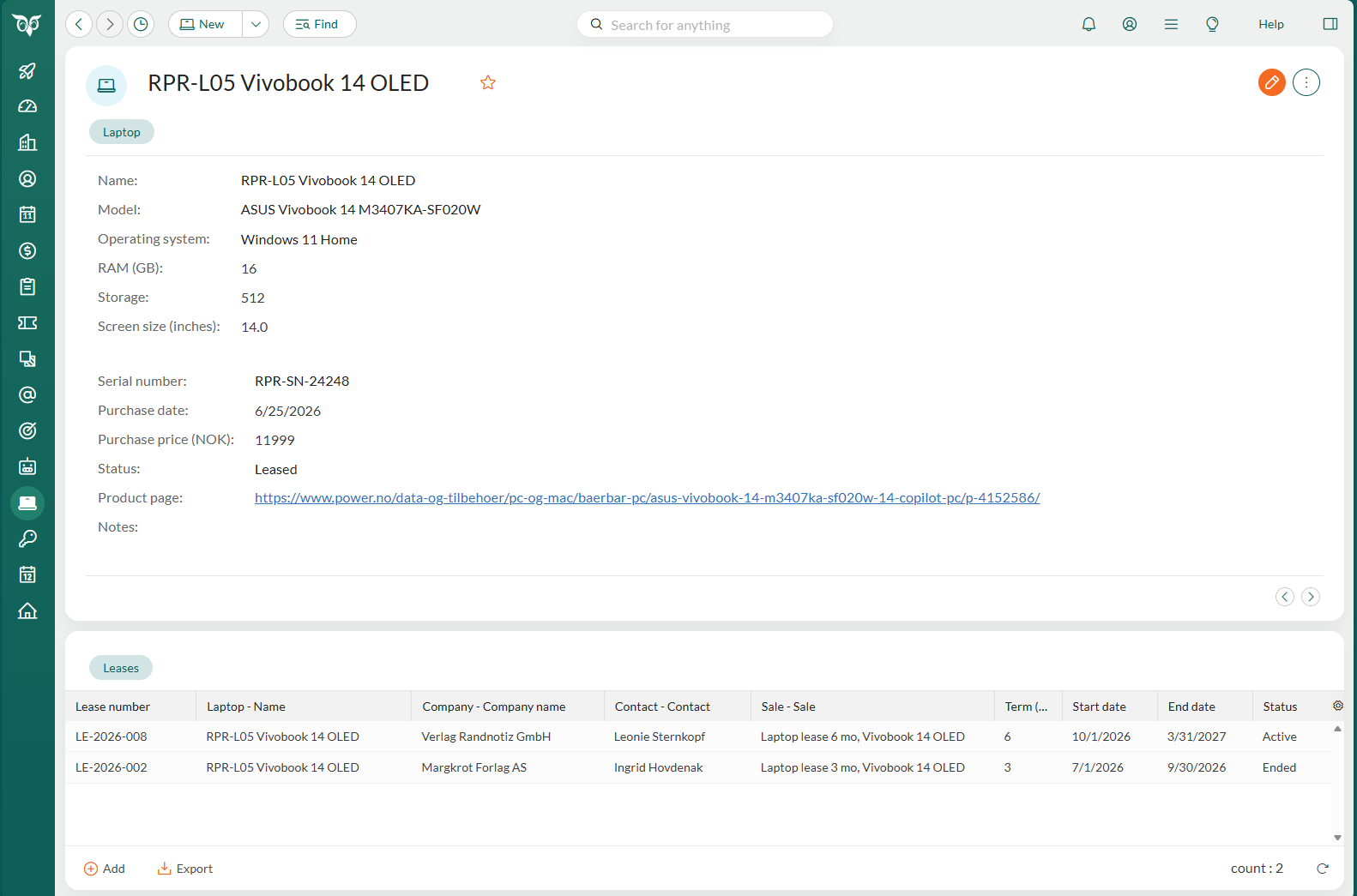
Open custom data
Open custom data in one of these ways:- Select the custom object in the Navigator, search the list, and select the row you want.
- Select it on a section tab of a related record.
- Select it in your history or favorites.
Edit custom data
- Open the custom data.
- Click to enter edit mode.
- Make your changes. For a relation field, start typing and select the related record from the list.
- Click Save.
Links in text fields
When a text field contains a URL, the URL is shown as a link in read mode. Click it to open the page in a new tab. For example, a Product page field can link to the product in the supplier’s web shop. In edit mode, the field is a normal text field. See URLs in text fields.Delete custom data
To delete custom data, your role must have the Delete permission for the custom object.- Open the custom data.
- Click and select Delete.
- In the confirmation dialog, click Yes.