

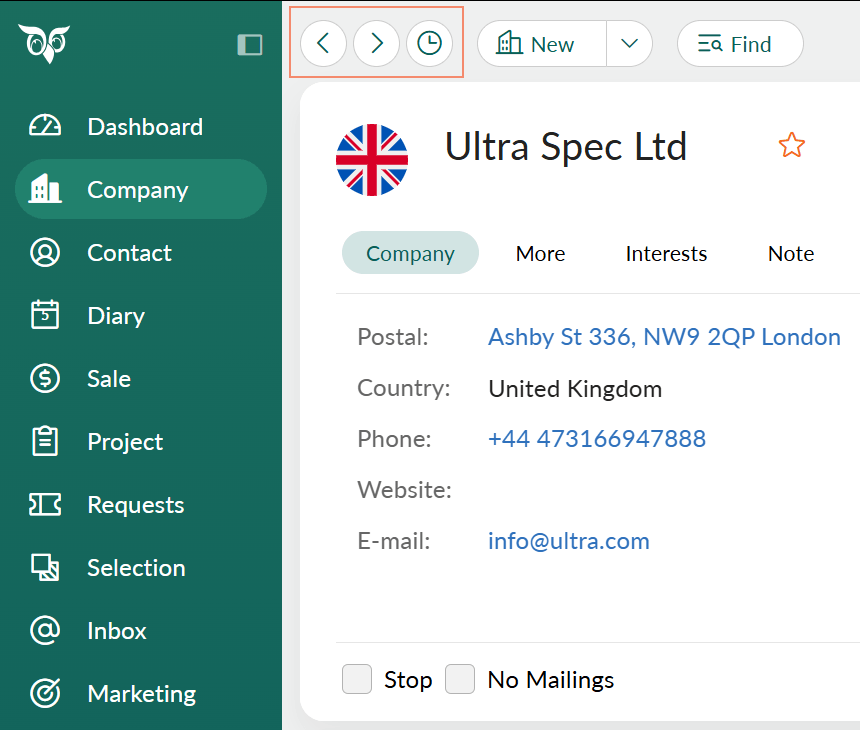
Go back to a place you visited
- Click the clock icon () on the top bar.
- In the Recent list, choose the place you want to return to. The most recent place is at the top, and a dot marks where you are now.
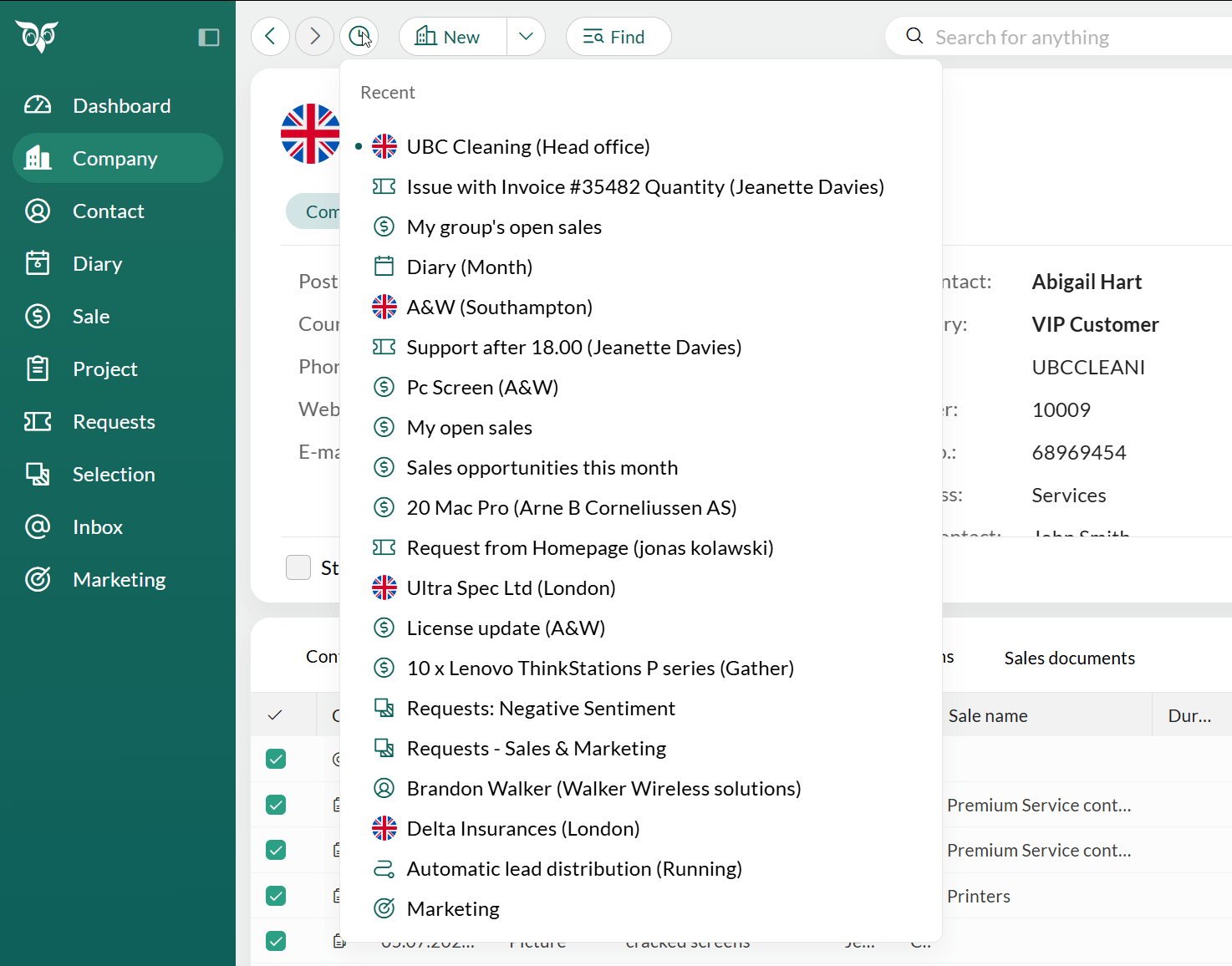 Each place appears only once. If you visit a company again, it moves to the top of the list. It is not added twice.
Step back and forward
- Click (Back) to go to the previous place you visited.
- Click (Forward) to go to the next place.
Back and Forward move between places, for example from a company to a sale. They do not move between the tabs of the same record.
Change the number of places in the list
By default, the list keeps your 20 most recent places.- Click Personal settings > Preferences.
- Select Functions.
- In the Recent navigation list size field, enter the number of places to keep, up to 50.
- Click Save.
This setting is separate from Size of history list under Visual effects, which controls the history list only.