

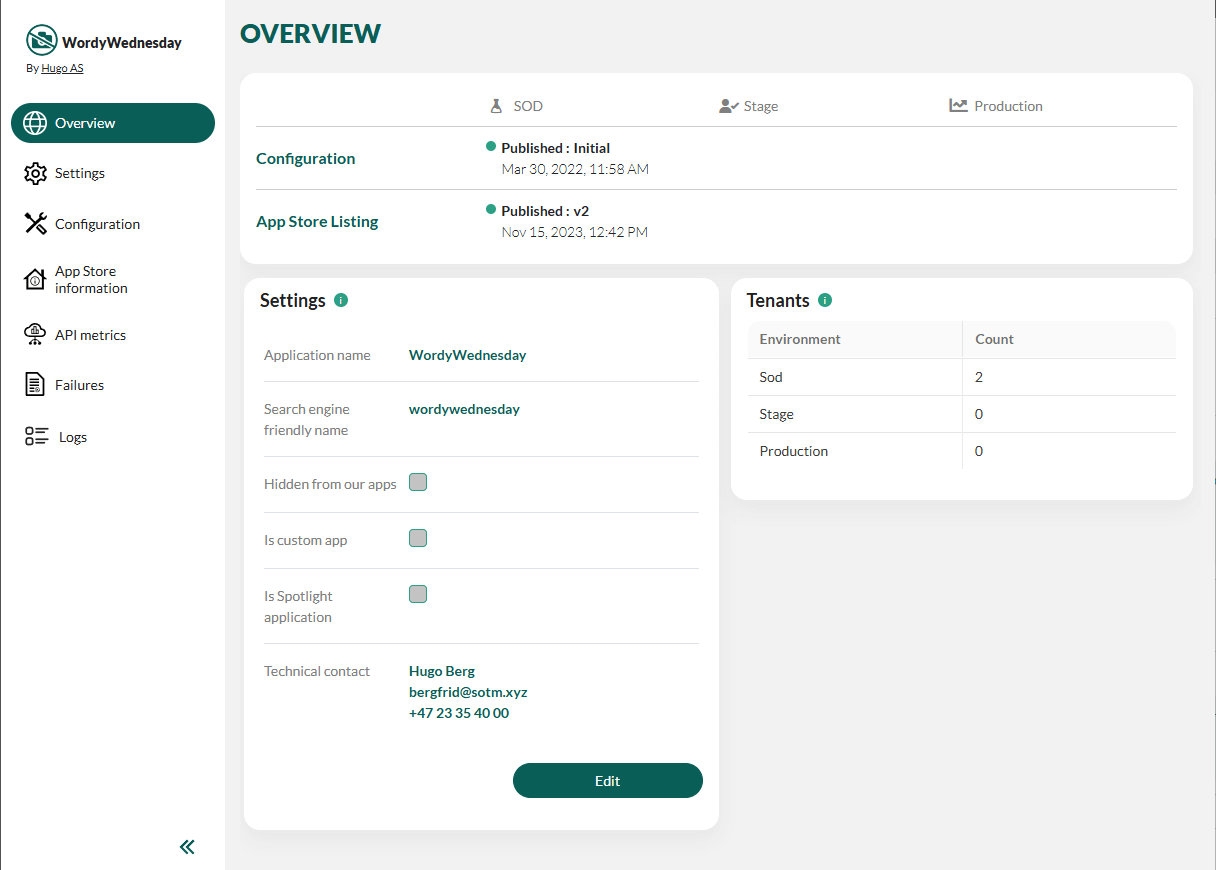
As a partner, you may change the technical contact and the list of error reporting emails. Other settings may only be changed by SuperOffice app managers. Contact us via chat or support if you want to request any changes.
App Store information
The steps to update all App Store information are the same.Details
Link types:
- Install: Where the App Store links to when the user clicks Buy.
- Configure: Where the App Store links to when the user clicks Configure.
- Support
- Report a problem
- Disabled: Where the App Store links to when the user clicks Uninstall.
- Email document & calendar
- Digital Signature
- Business Intelligence & reporting
- Prospecting & data quality
- Integration tools
- CTI
- Productivity
- Email marketing & SMS
- ERP
- Quotations