

- Partner settings
- App Store information
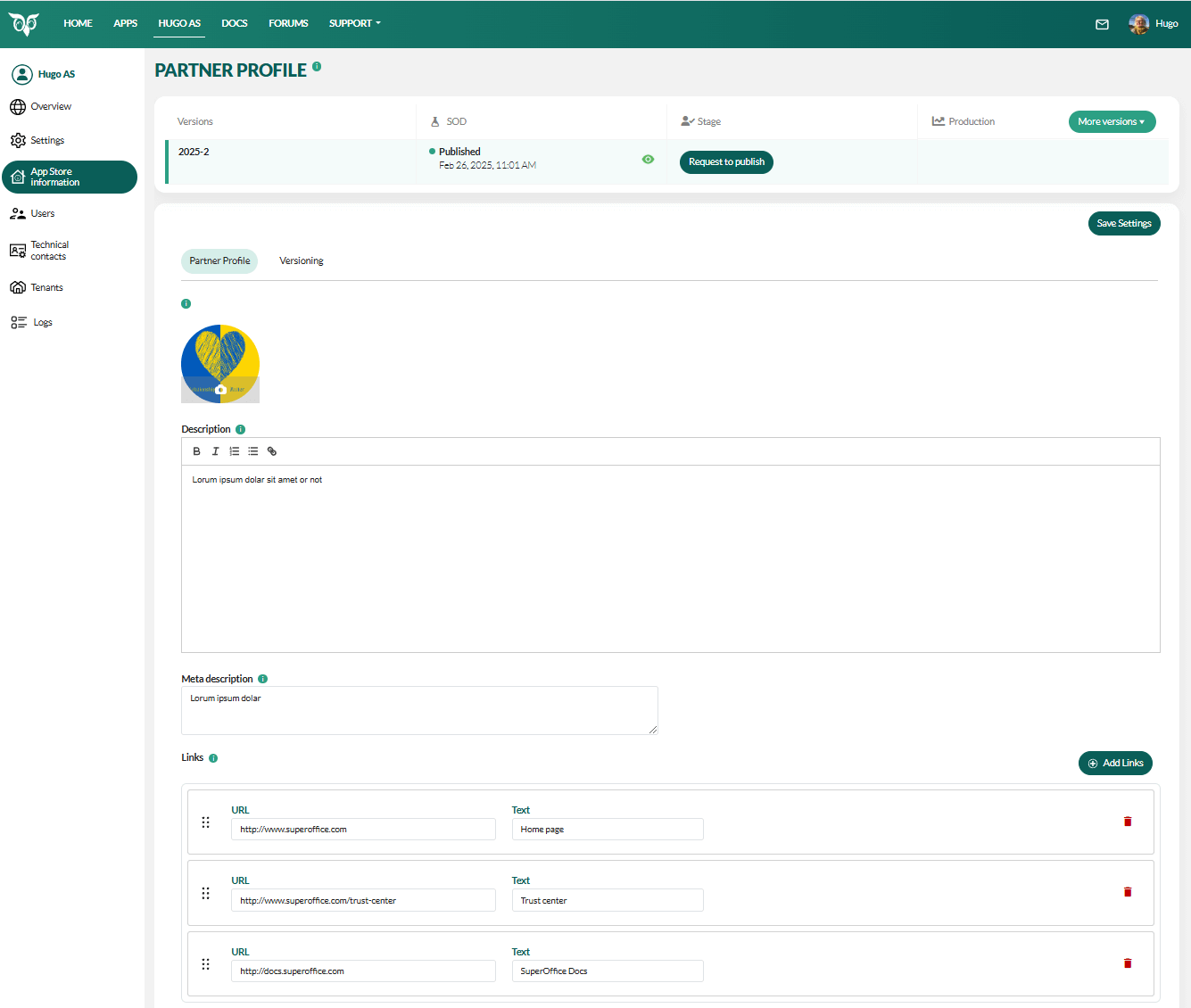 Steps:
- In the Developer Portal, go to your partner page.
- Select App Store information from the left menu.
- Create a new version.
-
Select Partner profile and then update logo, description, meta description, and links such as home page and your trust center URLs. Click Add Links to enter additional URLs.
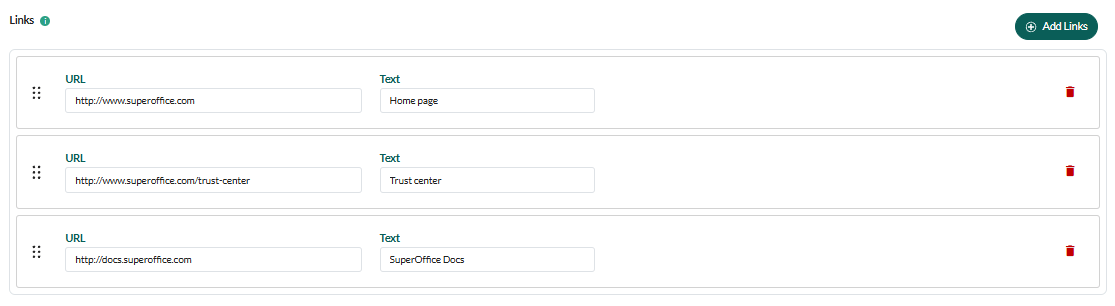
- Click Save Settings.
Update partner settings
- On your partner page, select Settings from the left menu or click the Edit button.
- Update contact persons.
- Click Save Settings.
Verify your changes
- Review your listing in the SOD App Store.
- Fix issues in the Developer Portal if necessary.
Request to publish
When you are happy with how it looks, return to your partner page in the Developer Portal:- Select Overview from the left menu.
-
In the App Store Information section, click the Request to Publish button.
