

To create Zaps, you must connect a SuperOffice CRM account that has General Administrator user rights.
Steps
- On the Zaps page, click Create.
-
Click on the Trigger step and choose the event that will start a Zap. It can be an action in Google Sheets or another action in external systems or a part of SuperOffice.
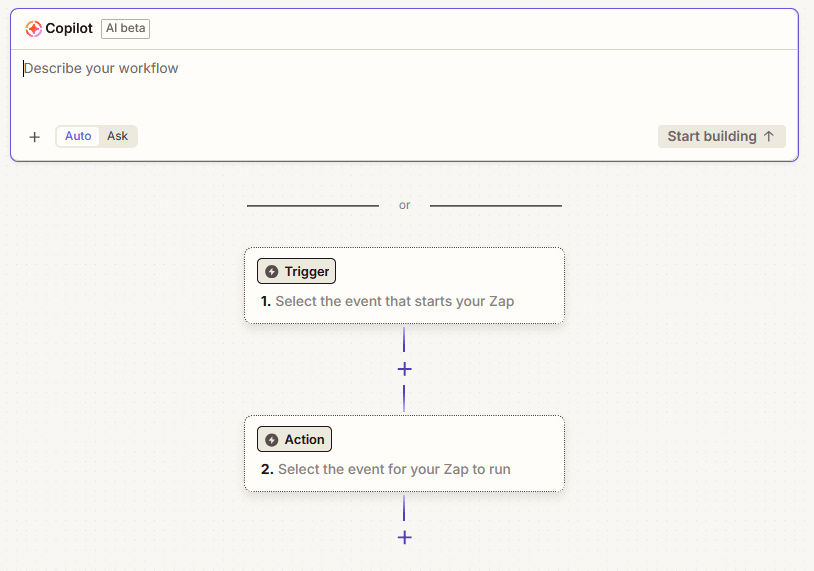
- Click on the Action step.
-
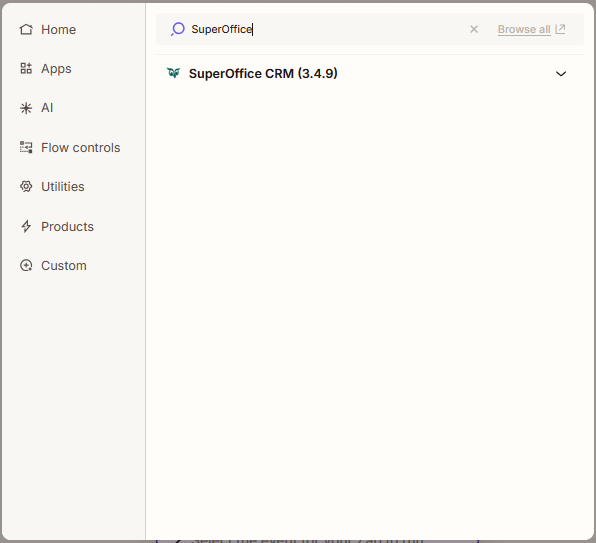
Select the application you want to use: Search for and click on SuperOffice.
-
In the Action event section, select an event.
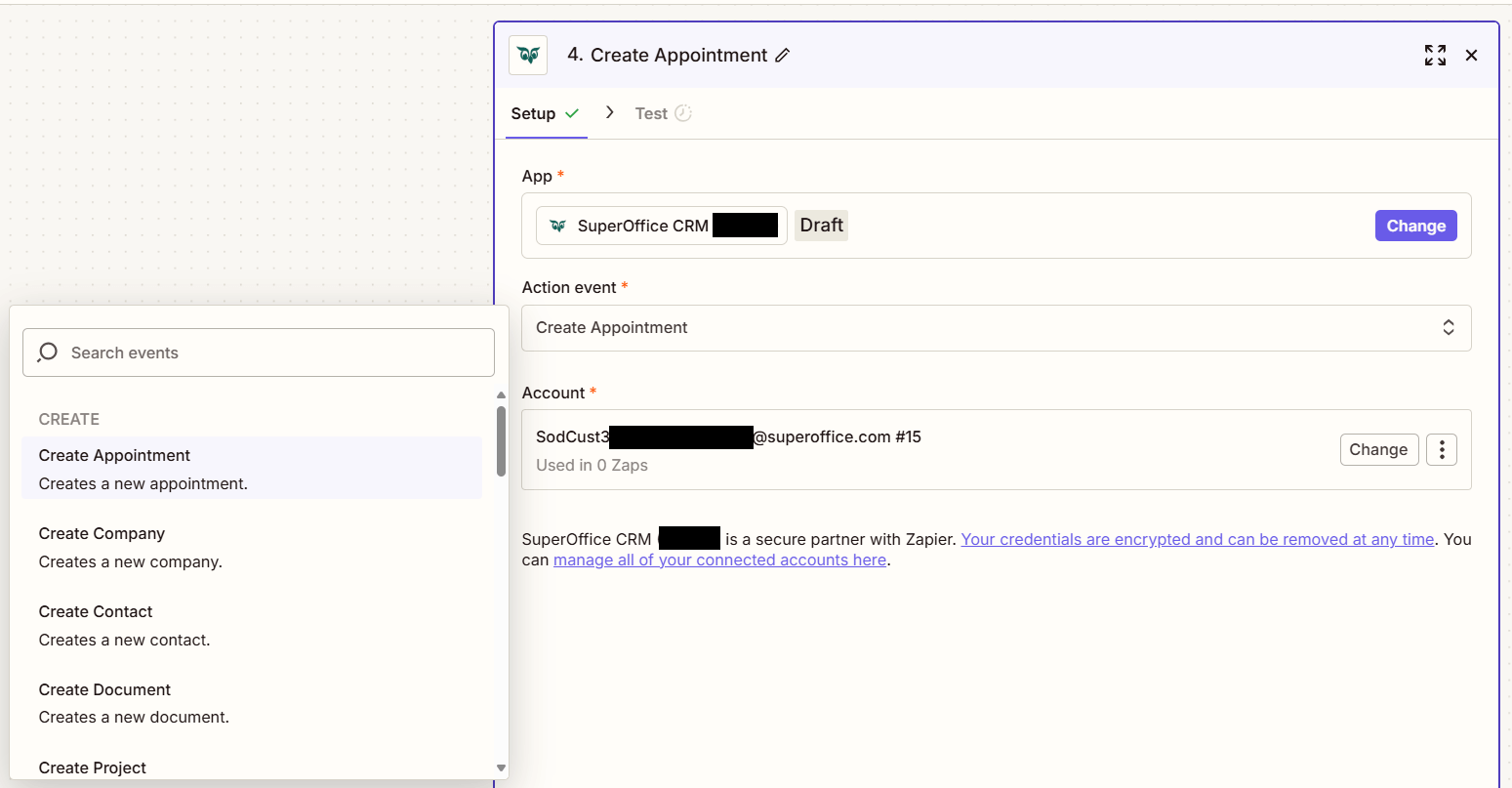
- Click the Account section and log in using a SuperOffice account.
- Click the Continue button at the bottom of the side panel. This opens the Configure step.
-
Fill out the mandatory fields and optionally other fields.
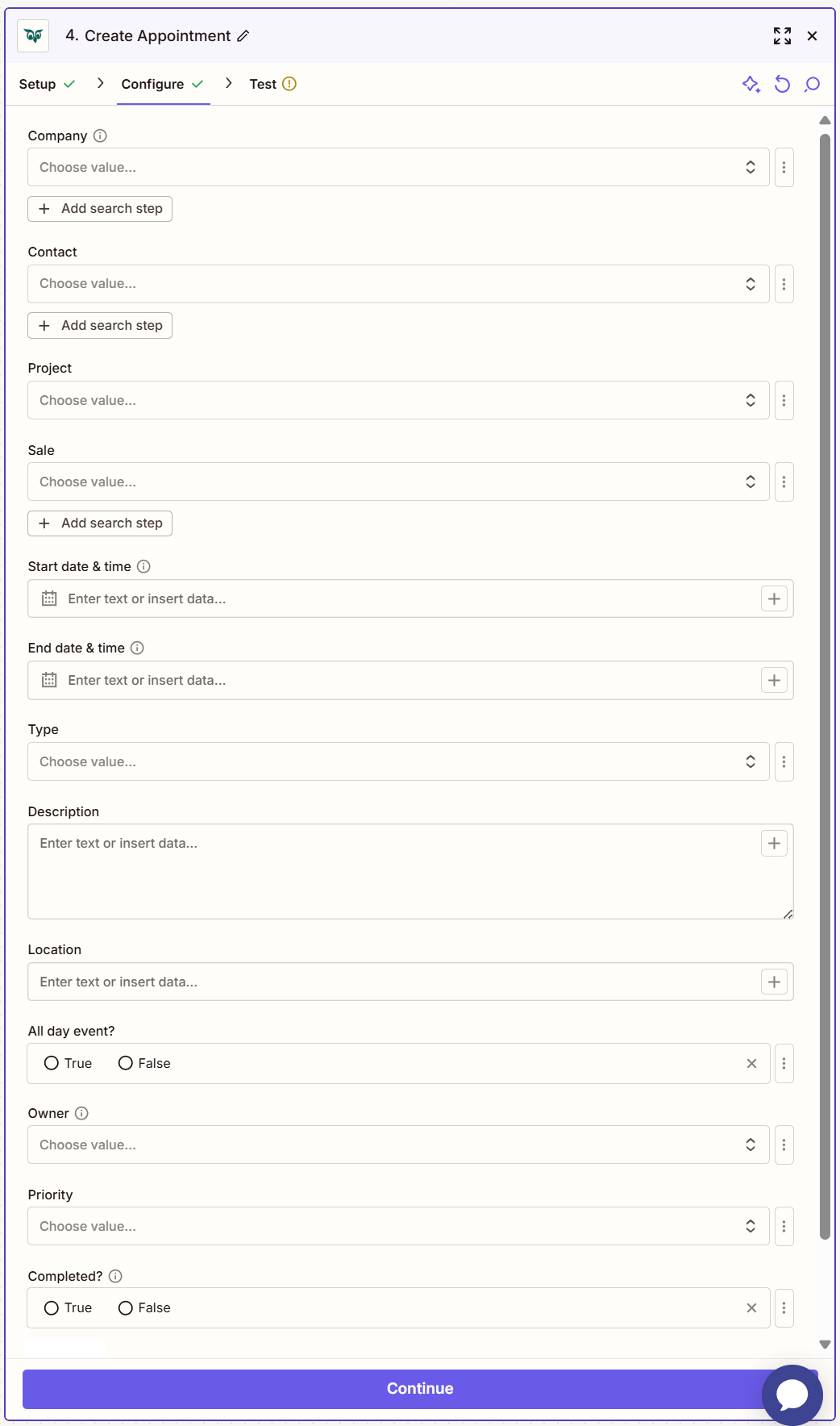
- Click Continue.
- Click Test step to check that the action works.