Steps
- On the Zaps page, click Create. Then click on the Trigger step and choose the event that will start a Zap.
-
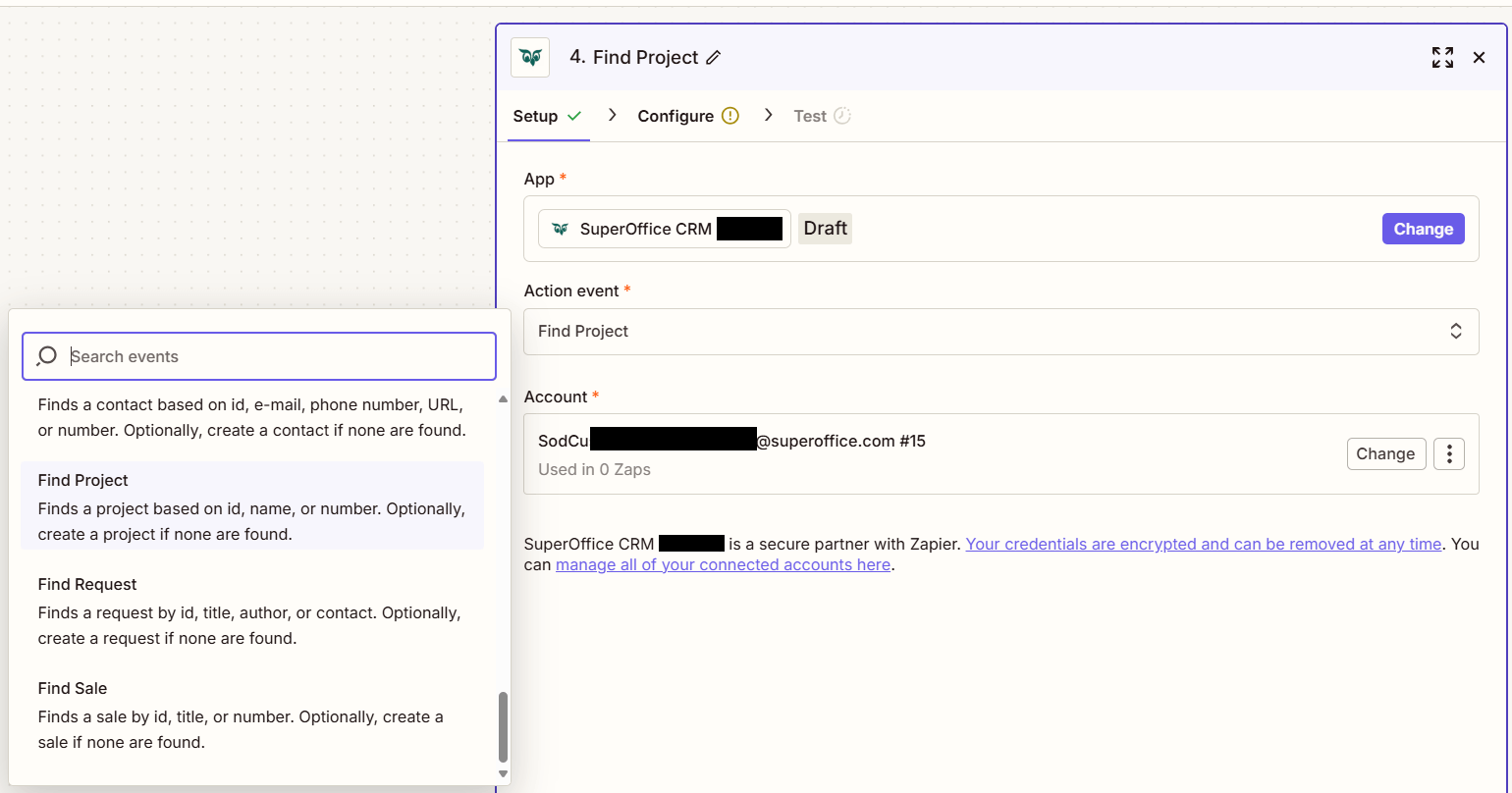
Click on the Action step to set up app, event, and account:
- In the Action event section, select Find project
-
Click Continue.
-
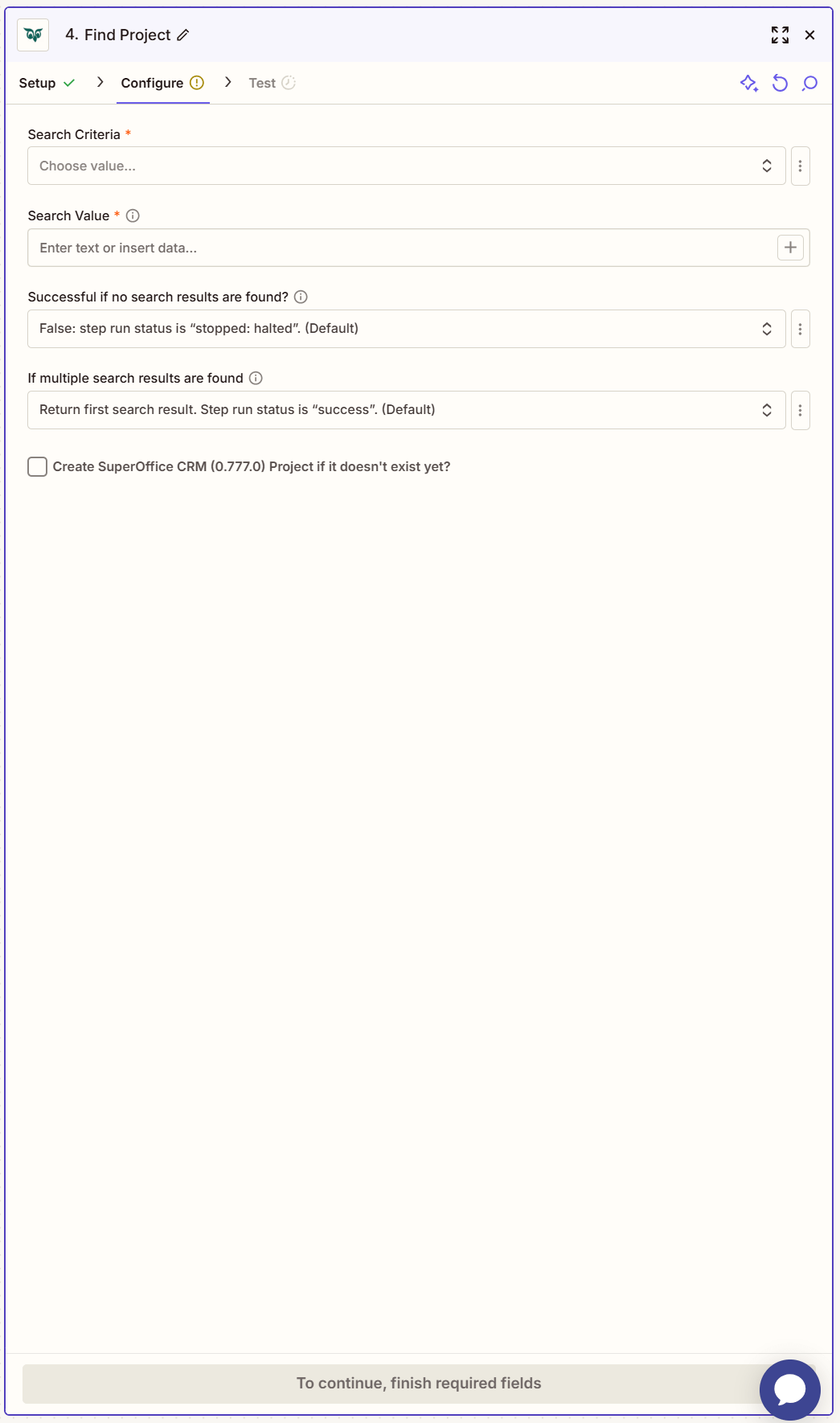
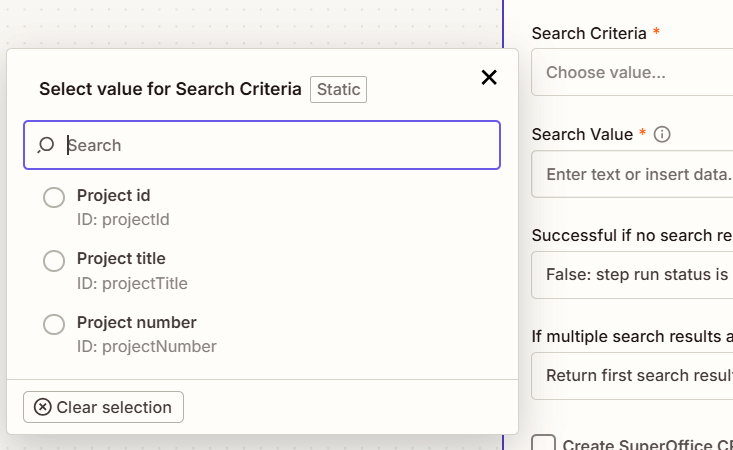
Choose your Search Criteria from the available options.
-
Set your Search Value.

-
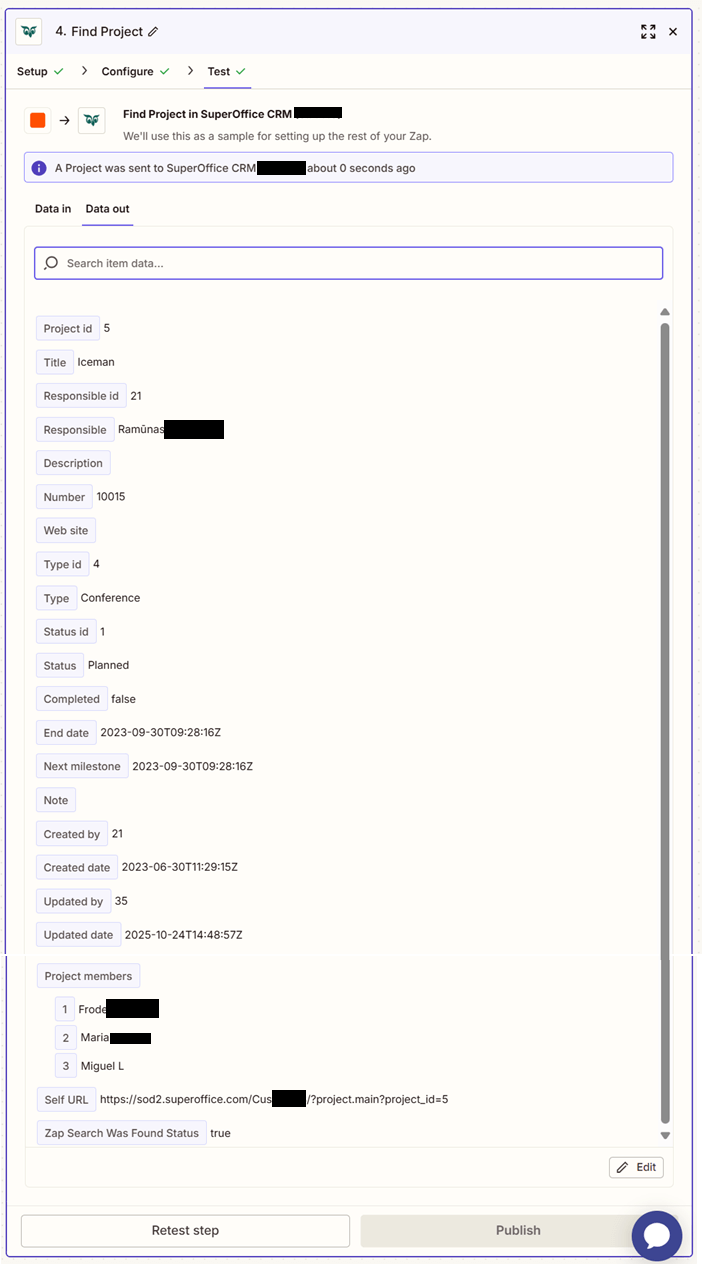
Click Test step to check that the action works.
If the above steps were configured correctly, the response should consist of Project id, Title, Responsible id, Responsible, Description, Number, Web site, Type id, Type, Status id, Status, Completed, End date, Next milestone, Note, Created by, Created date, Updated by, Updated date, Project members, Self URL, Zap Search Was Found Status.