

To add new CORS or redirect URLs in Stage or Production, create a new version.
- Default redirect URL
- Allowed redirect URLs
- Allowed postLogout redirect URLs
- CORS URLs
All URLs can optionally be configured per environment.You can list multiple of each type (except default).Consider if whitelisting is sufficient or you need a CORS redirect.
Pre-requisites
- You have registered your application idea
- You are (or will be) handling web service requests at the new endpoints
To view redirection endpoints
-
In the Developer Portal, go to your app page.
To see the list of all apps:
- Select Apps from the top menu to see all apps across every partner you have access to, or
- Go to the Applications section of your partner page to see that partner’s apps.
-
Select Configuration > Authentication.
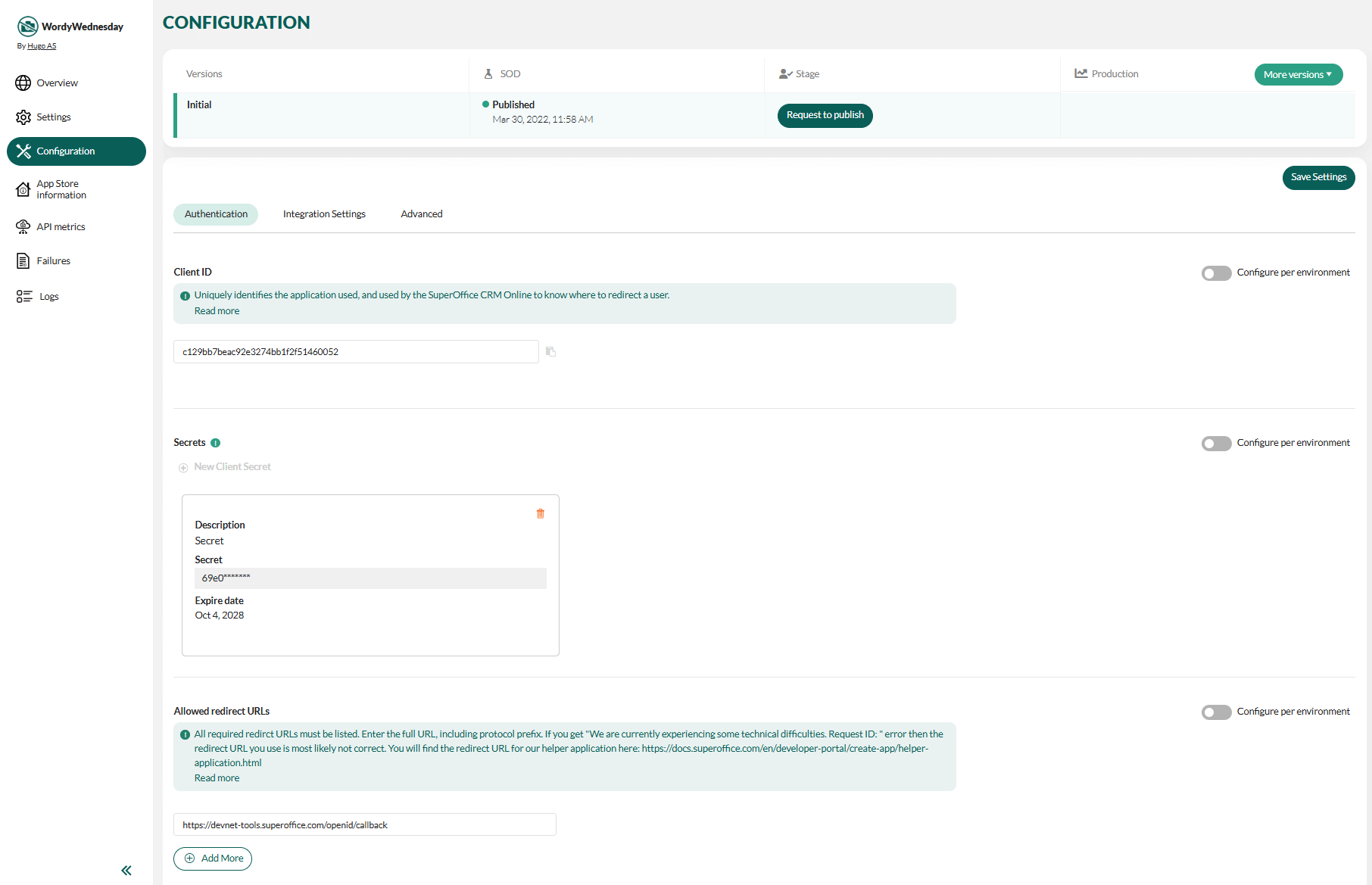
To add or update redirection endpoints
- Open the Authentication page as described above.
- Enter new values, optionally per environment.
- Click Save Settings.
- Request to publish the new configuration.