

What can I change?
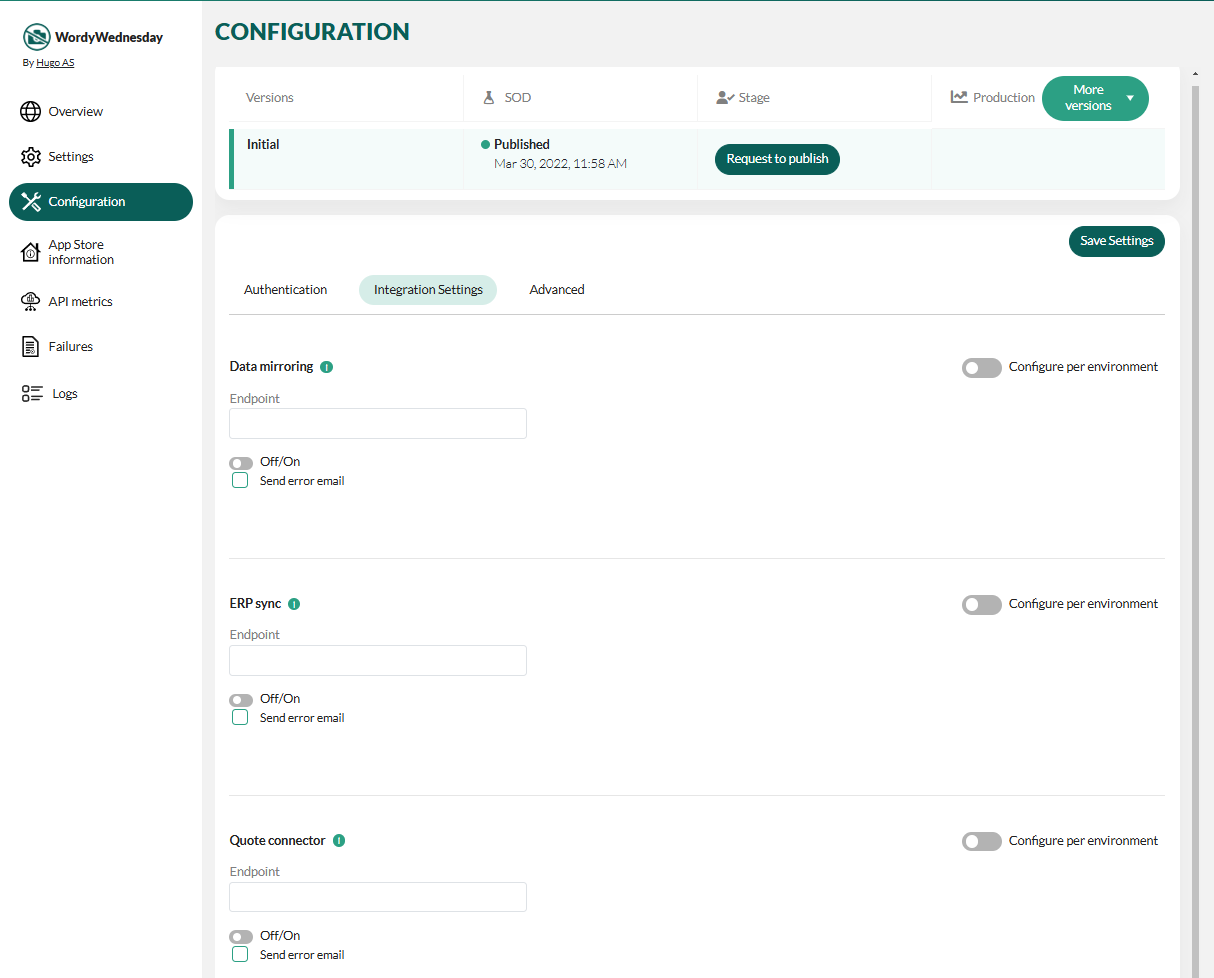
You can add, remove, and update information about endpoints hosted by you that SuperOffice will send data to:- ERP sync
- Quote connector
- Database mirror
- Push notifications
- CORS and redirection URLs
Steps
- In the Developer Portal, go to your application page.
- Select Configuration from the left menu.
-
Select the Integration settings tab.
-
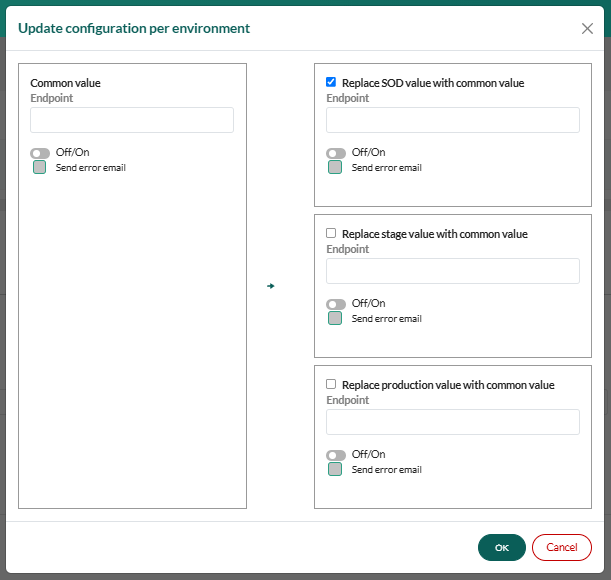
Update values in the appropriate Endpoint field. Optionally, choose different values per environment.
 Select Off/On to activate the endpoint (turn on data traffic).
- Click Save Settings.