

There can be only one client secret and only one certificate per environment. To replace a secret or certificate, first click the trashcan to remove the old value and then create a new.
ApplicationIdentifier) and client secret (ApplicationToken) . The latter is considered a password and must be stored as such.
That also means that you can’t copy it from the Developer Portal. If it’s lost, you need to create a new one.
-
In the Developer Portal, go to your app page.
To see the list of all apps:
- Select Apps from the top menu to see all apps across every partner you have access to, or
- Go to the Applications section of your partner page to see that partner’s apps.
- Select Configuration.
-
Click New Client Secret.
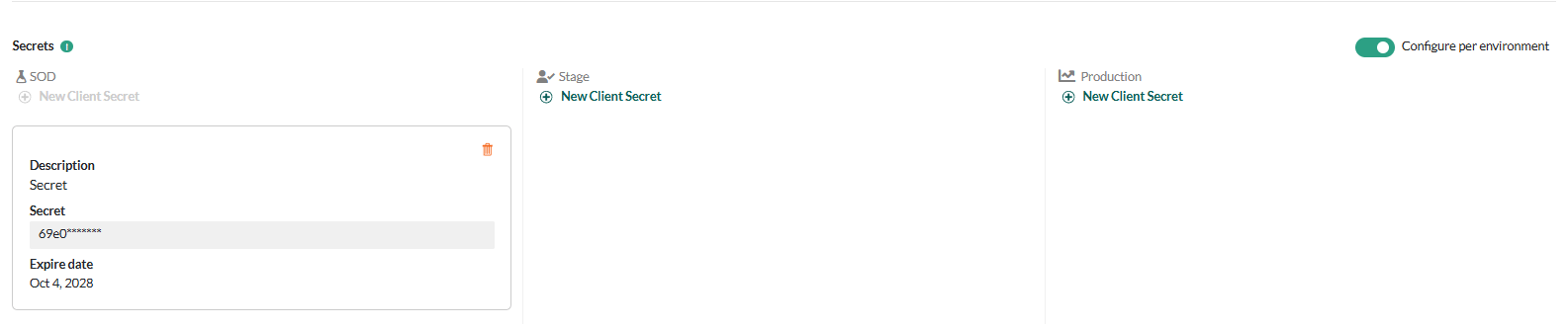 Expiration date is not enforced yet.
 - Store the secret somewhere safe! You can’t look it up in the Developer Portal later.
- Click Save Settings.