

Steps
- From Office Store (AppSource)
- From SuperOffice App Store
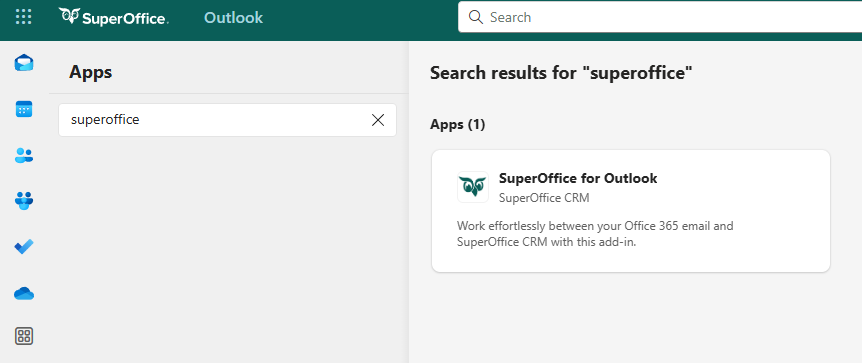
- While reading email
- Go to SuperOffice for Outlook at appsource.microsoft.com.
- Review the privacy policy.
- Select Get it now.
- Select Continue to confirm that you want to install SuperOffice for Outlook.
After installation
- Open the add-in (see below).
- Choose whether your organization runs SuperOffice online or onsite.
- Sign in to SuperOffice.
Open SuperOffice add-in
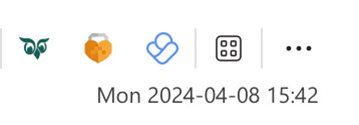
The location of add-ins is different in classic Outlook for Windows and the new Outlook for Windows.- In classic Outlook, click the three dots (More actions) in the upper-right corner of an email or choose from the Action ribbon.
- In new Outlook for Window, select Apps from the action bar of an email.
Pin or unpin SuperOffice for Outlook
After installing the add-in, you can pin it for quick access while reading or writing emails. We recommend pinning it for easier use.Pin SuperOffice for Outlook while reading an email
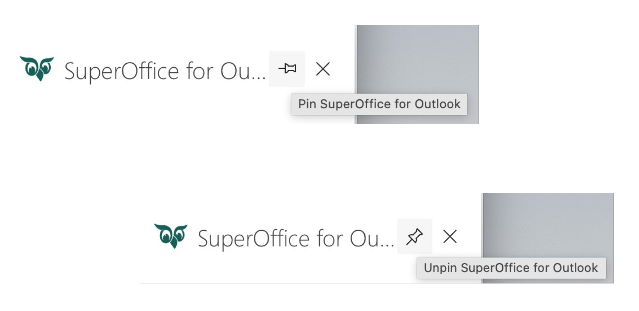
- When the SuperOffice sidebar is displayed, select the Pin symbol to pin the sidebar to the page. The sidebar will now be available when reading or writing emails.
- To unpin SuperOffice, select the Pin symbol again.
Selecting the X doesn’t just close the SuperOffice panel - it also unpins it. This is Microsoft’s default behavior for Outlook add-ins and cannot be changed by SuperOffice.
Pin SuperOffice for Outlook while composing a new email
You can also pin the SuperOffice for Outlook panel while composing a new email. This keeps the panel open while you prepare the message, so you can review or adjust SuperOffice archiving details before sending.- Select New mail in Outlook.
- Open SuperOffice for Outlook.
- Select the Pin icon in the SuperOffice panel. The panel remains available while you compose the email.
Remove add-in
- In Outlook, go to Manage my Add-ins.
- Locate the add-in in the list.
- Click the three dots and select Remove.
- Click Remove to confirm.
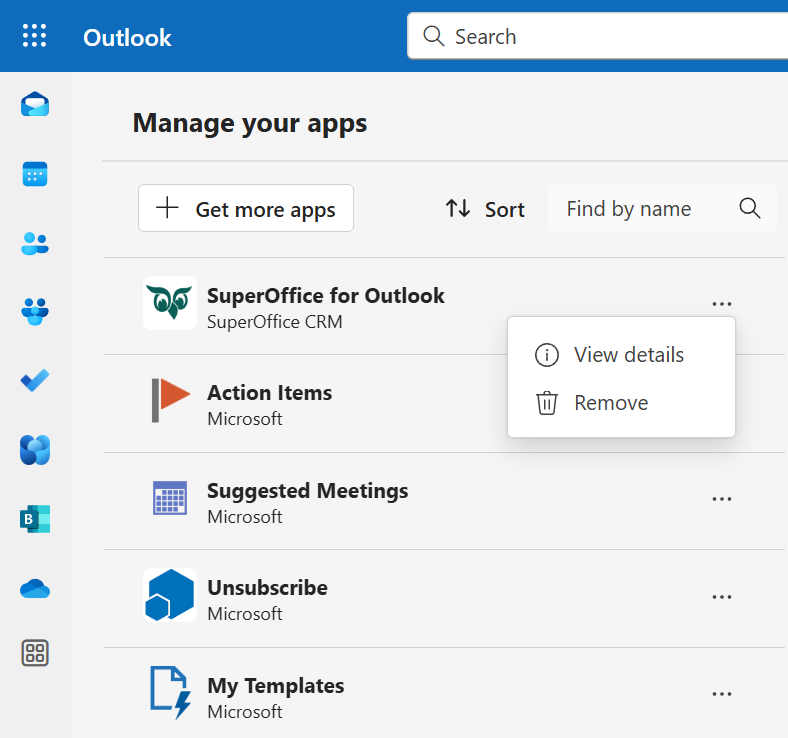
If you do not see the Remove option, the SuperOffice for Outlook add-in is likely required and managed by your administrator.