

- Open or select the email you want to archive.
- Open SuperOffice for Outlook (if not already pinned).
- Choose Save to SuperOffice in the SuperOffice sidebar.
- Make any necessary changes to the fields.
- Click Save to archive the email.
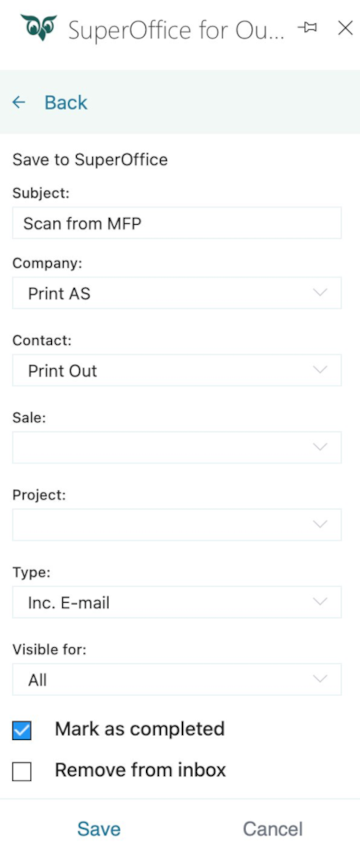
The Visible for drop-down is only available to users whose administrator has enabled the required license.
For more details, see Admin - User Management - Visibility.