

About this template
This template creates an app configuration where you just need to add in the application name and technical contact. For the advanced user who know what they want to configure and where our other templates do not really fit the need.- Enables the WebApi and Services88 API endpoints
- Enables access to the Webhooks agent
Custom app required license
It may only be used by a customer tenant that has the Development Tools license or CRM Suite Core plan.If the app also take advantage of the database mirroring capability, then the database mirroring subscription is required as well.
Create app
- In the Developer Portal, go to your partner page and select Applications in the left menu.
- Click Create App.
- Choose the DIY / Empty template. Then select whether this is a custom or standard app. Click Next.
-
Enter the name of your application. Click Next.
The application name must be 64 characters or less and not contain restricted characters.Give the app a descriptive name. Standard apps that will be published in our app store have conventions for phrasing.Find out the details.
-
You will be set as the technical contact for your app. Click Clear to choose another technical contact by email address.
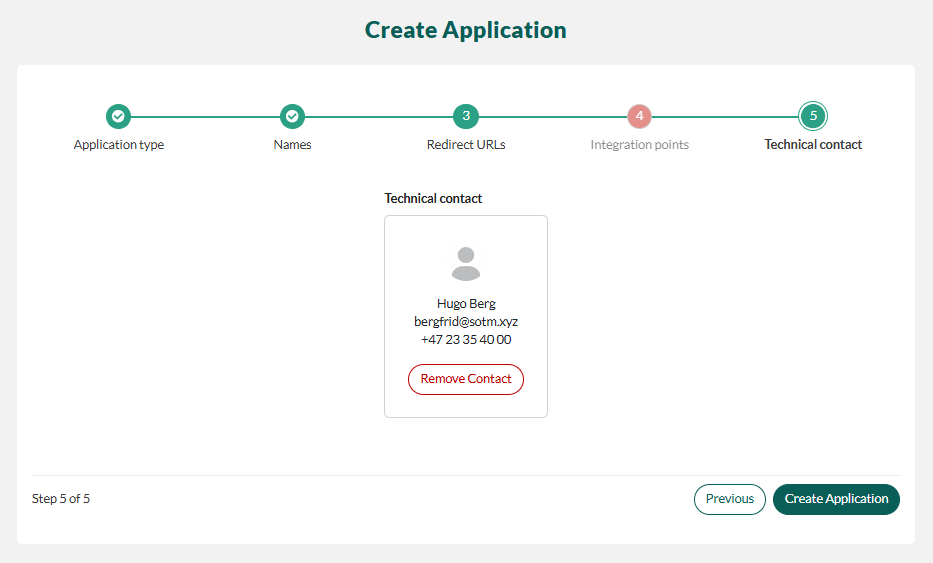
- Click Create Application.