

About this template
This template creates a web app configuration that uses interactive OIDC authentication.- Enables the WebApi API endpoint
- Enables access to the Webhook agent
Custom app required license
It may only be used by a customer tenant that has the Development Tools license or CRM Suite Core plan.Create app
- In the Developer Portal, go to your partner page and select Applications in the left menu.
- Click Create App.
- Choose the Web app template. Then select whether this is a custom or standard application. Click Next.
-
Enter the name of your application. Click Next.
The application name must be 64 characters or less and not contain restricted characters.Give the app a descriptive name. Standard apps that will be published in our app store have conventions for phrasing.Find out the details.
-
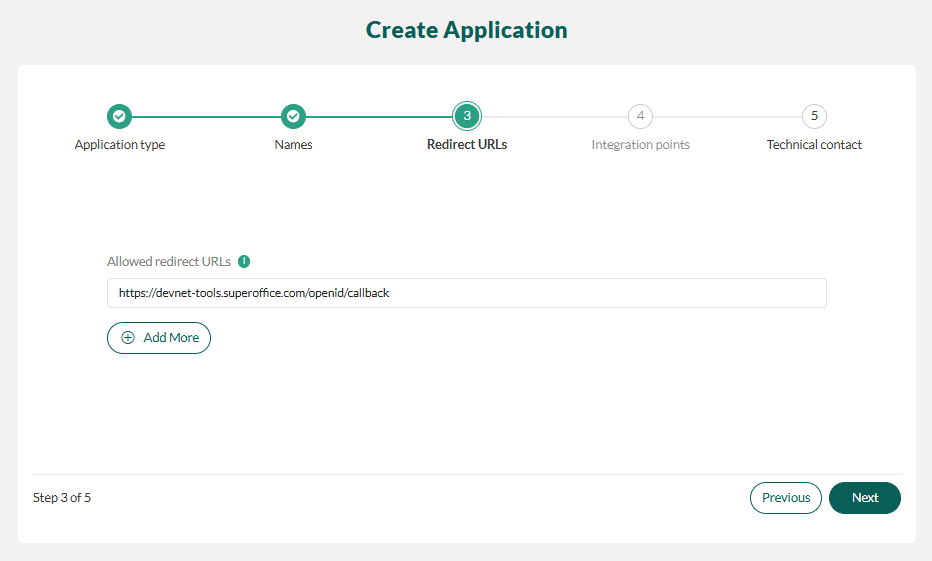
Enter one or more redirect URLs - one per line. Click Next.
-
You will be set as the technical contact for your app. Click Clear to choose another technical contact by email address.
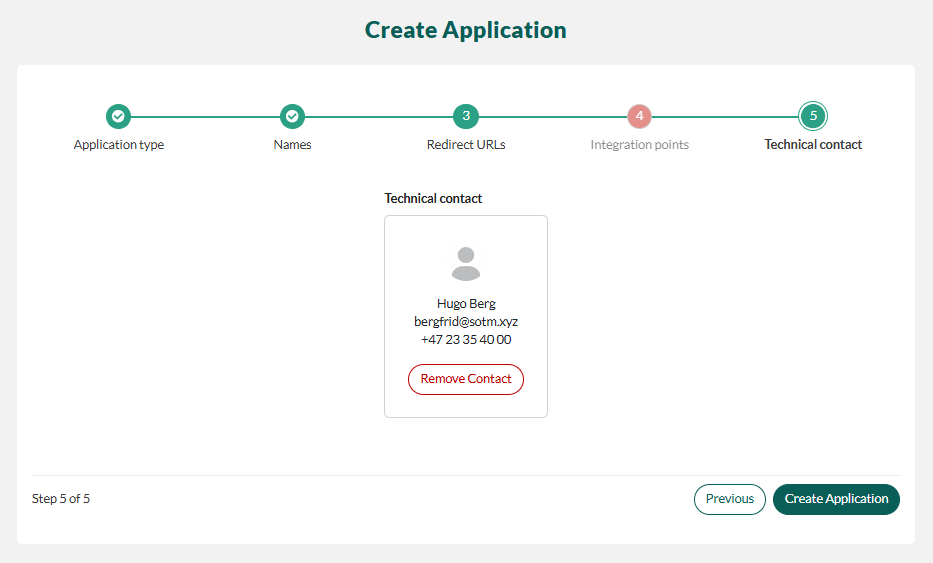
- Click Create Application.